AUTOMATIC DISTRACTION PROTECTION FOR IPHONE
DriveNudge blocks distracting apps while you drive
DriveNudge blocks distracting apps while you drive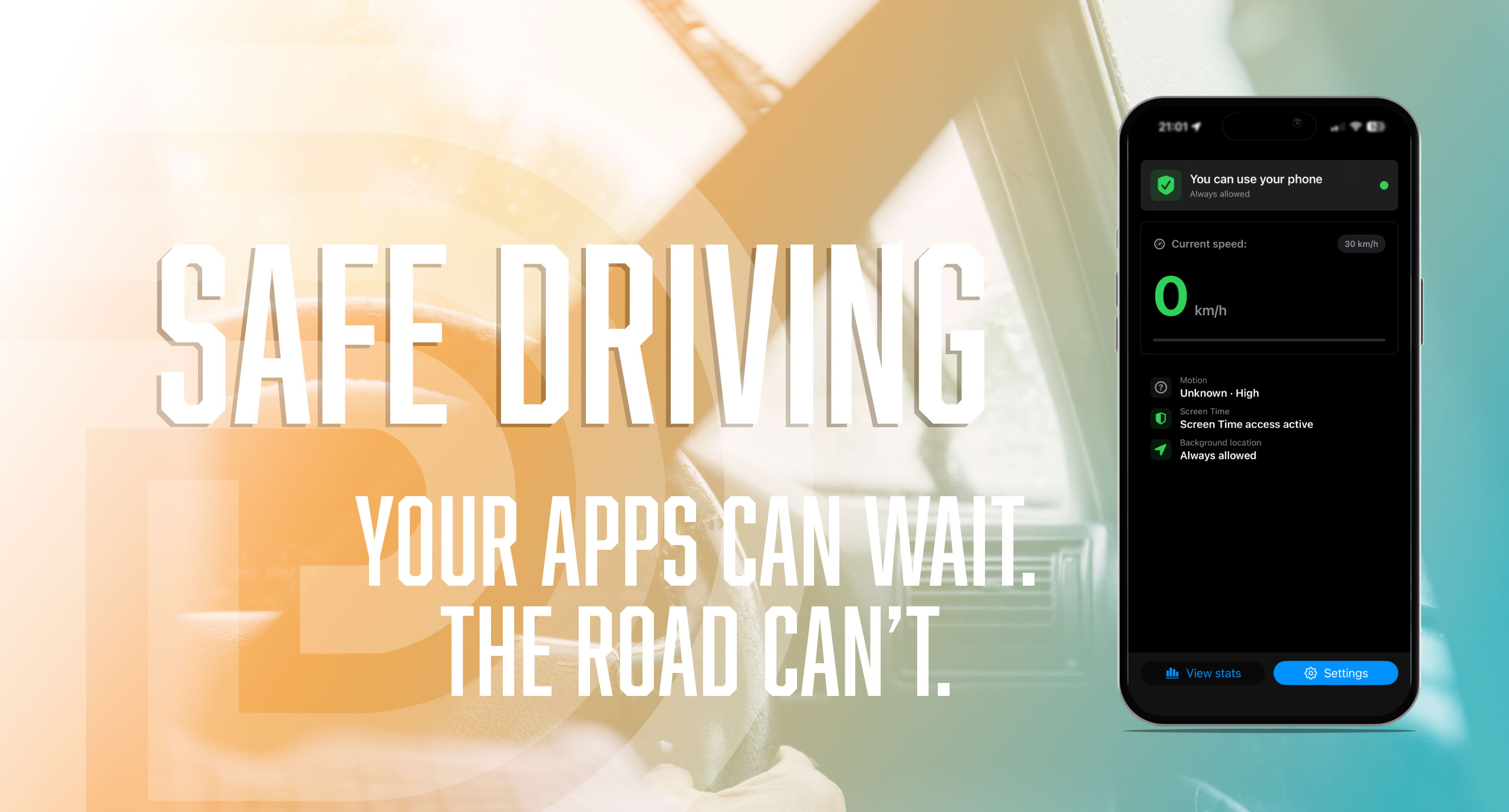
SET IT ONCE
SET IT ONCE
Less temptation in the driver’s seat. More attention where it matters
Less temptation in the driver’s seat. More attention where it matters
Starts with your journey
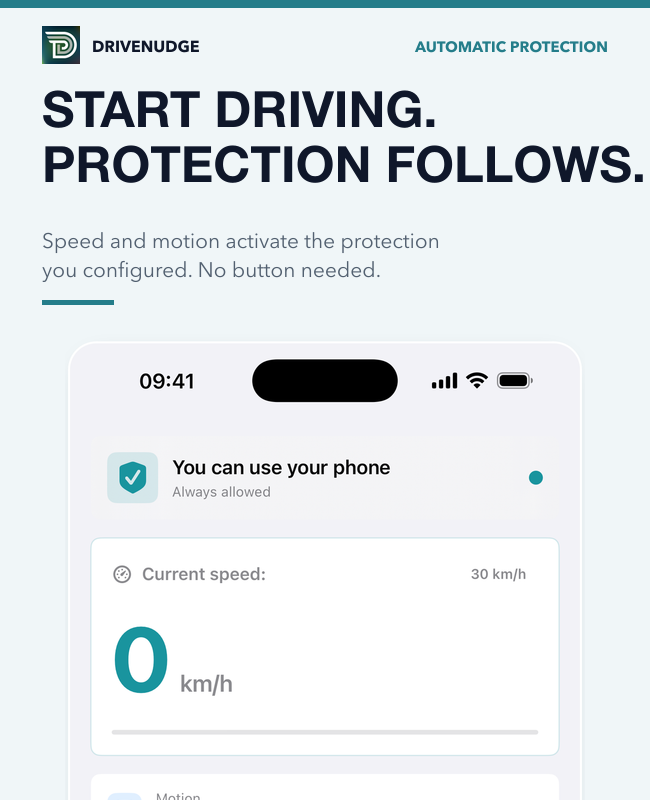
Using speed and motion, DriveNudge detects when you’re likely driving or cycling and activates protection automatically.
Your apps, your rules
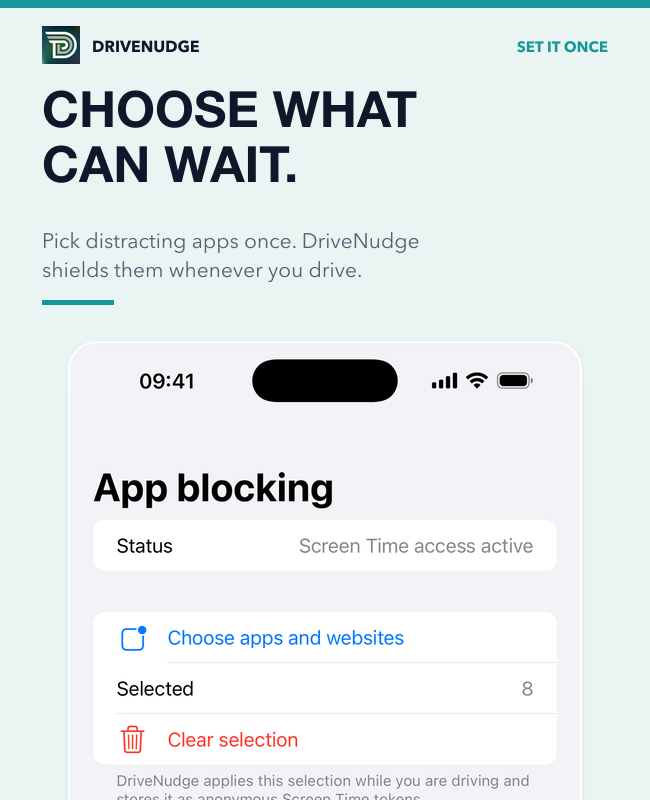
Choose the apps, categories, and websites that distract you. Keep everything else available.
Private by design
No account, ads, analytics, or stored route history. Your settings and safety stats stay on your iPhone.
HOW IT WORKS
Choose once - Drive with fewer distractions
Trust Strip